Pay with your crypto.
One Web3 Card for everyday spending.
- Virtual card
- Apple Pay and Google Pay
- 3D Secure for online payments
- Balance held in USD
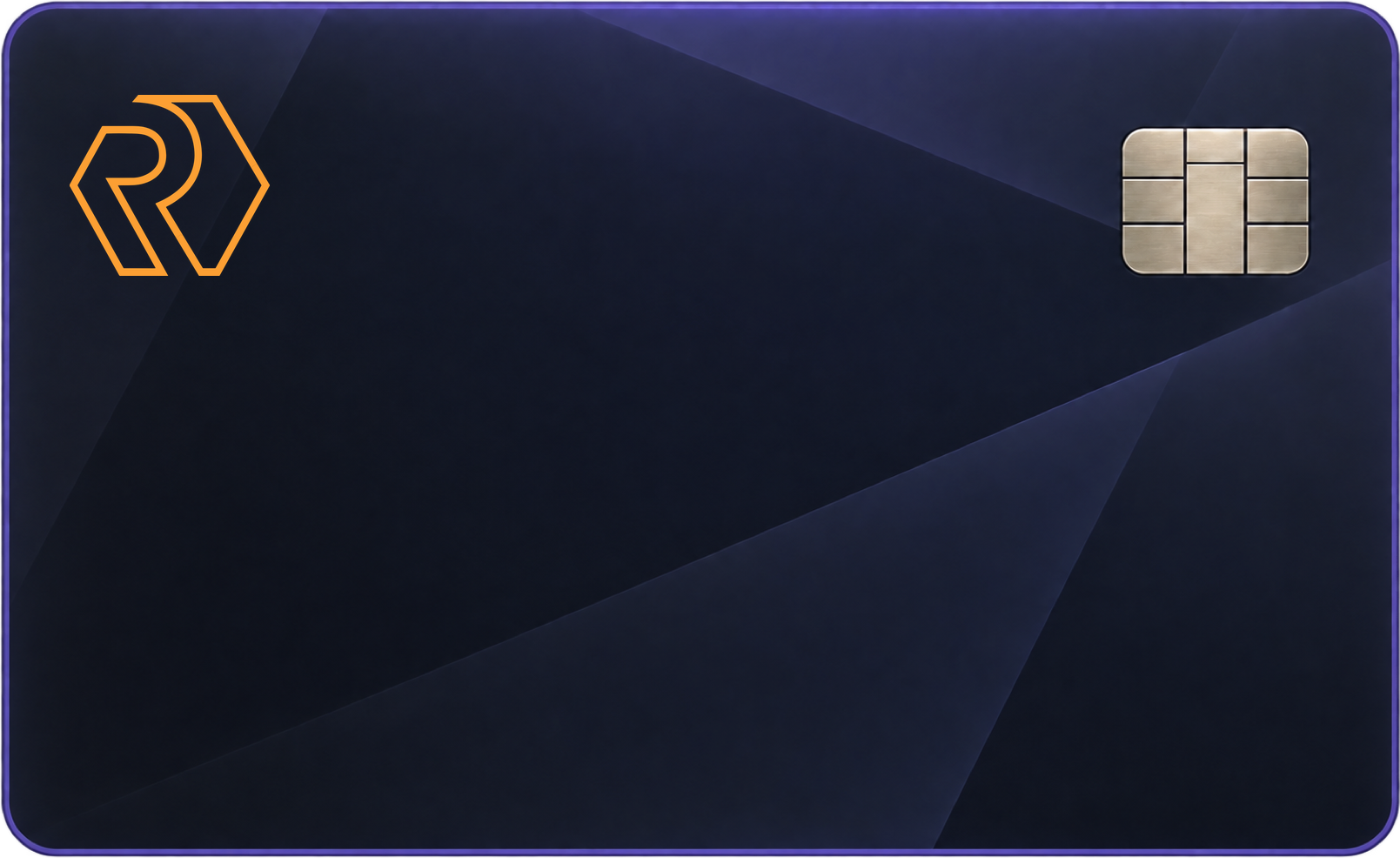
$1,248.50
USD · Balance
Card activeDemo data
In the app, card details appear after an email code and stay visible for 30 seconds.
Top up with crypto.
Pay a top-up from your Vault or a connected external wallet. Your balance is credited once the payment confirms on-chain.
- 01 / TOP UPChoose the sourceYour Vault or a connected external wallet.
- 02 / CONFIRMConfirmed on-chainThe payment confirms on the blockchain.
- 03 / SPENDBalance creditedYour USD balance is ready to spend.
Until a top-up confirms on-chain, it is not credited. A top-up that doesn't arrive, or a declined card payment? Ask Support
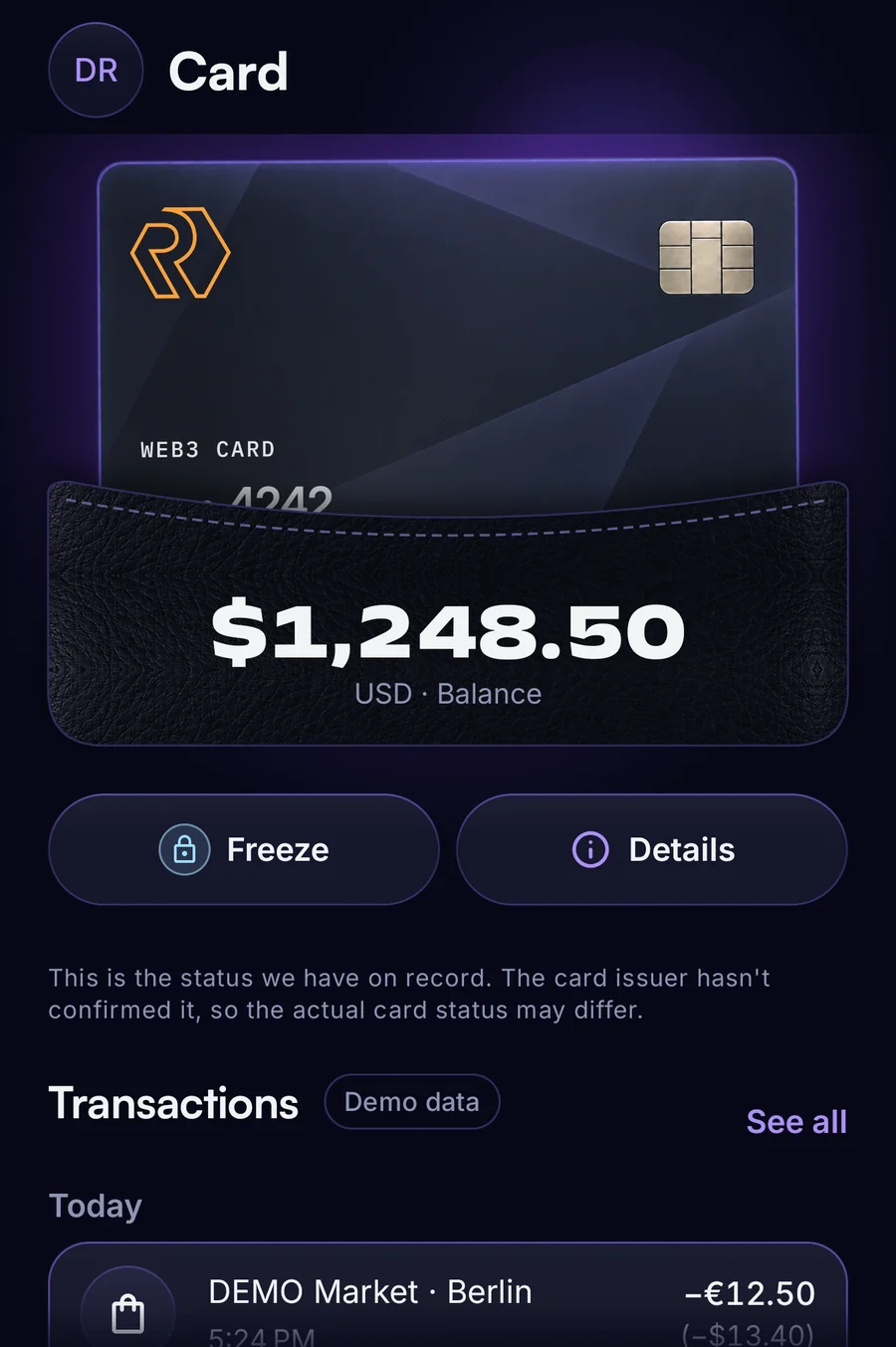
Control in a tap.
-
Freeze
Freeze your card when you need to. Unfreeze it just as fast.
-
Card details
Reveal your card details after an email code. They stay visible for 30 seconds.
-
Activity
Filter your card activity and get a CSV statement by email.
Every fee, in the open.
Fees are shown in the app before you confirm.
| Fee | Reference |
|---|---|
| Card opening | 2.00 USD |
| Transaction | 0.30 USD |
| Top-up | 1.4% |
| Currency conversion | 1.75% |
| ATM withdrawal | 1.00 USD |
| ATM balance inquiry | 1.00 USD |
Reference, not a binding quote.
Spend. Earn RNG.
Card spend earns 3% in RNG, up to your Squad's monthly cap. Pay with your Web3 Card and the RNG you earn appears in the app.
See Squad capsRNG has not launched yet. The assigned value is a reference, not a market price. What is RNG?
Order in four steps.
Rolling outCard ordering is rolling out in the app, so it may not show in yours yet.
Card questions in Support- 01 / DETAILSYour detailsAdd your personal details.
- 02 / IDENTITYIdentityVerify your identity with our identity partner.
- 03 / TERMSTermsRead and accept the card terms.
- 04 / PAYMENTPaymentPay the card opening fee from your Renegade Vault.
Get your card.
Get the app. You can order the Web3 Card there as ordering rolls out.


Point your phone camera at the code to open the store.
Questions? Support